
PBS KIDS Games
PBS KIDSEducational
4.312.37K Reviews
- Version
- 6.14.0
- Installs
- 10.00M
- Age Rating
- Everyone
Screenshots
Our Review of PBS KIDS Games
 Analysis by Appyee
I tend to judge a children’s game by what happens after the first burst of excitement: does a child know what to do, notice when they have made progress, and stay interested without being pushed into an endless loop? PBS KIDS Games is appealing because it brings familiar characters into short learning activities, so a child can get started through recognition rather than a long explanation. As an educational game from PBS KIDS, it suits families looking for a more purposeful alternative to open-ended videos, though I would treat it as one option for screen time rather than a substitute for reading, conversation, or play away from a device.
Small goals make it easier to begin
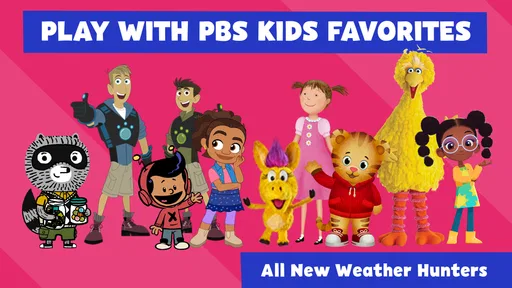
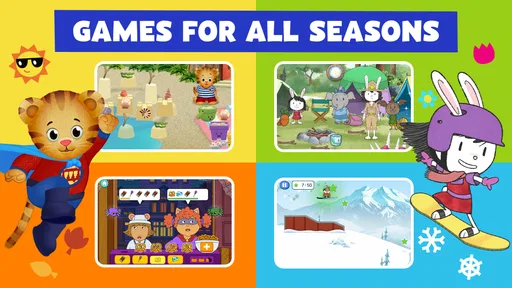
The first useful question is whether a young player can understand the immediate task. Familiar characters help with that first step: a child who already knows Daniel Tiger or the Wild Kratts may be more willing to explore an activity than they would be when faced with an unfamiliar learning app. The games cover areas such as reading, math, and science, so the goals can feel different from one activity to the next instead of turning every session into the same kind of quiz.
That variety is especially helpful for a child whose interests change from day to day. I would let them choose a character or activity when there is time to explore, then suggest one specific game when the window is short. That small bit of guidance keeps the choice manageable without taking away the feeling that the child is playing independently. It is also a practical way to discover what holds their attention before making the app part of a regular routine.
Parents should still expect to provide occasional help. A child may understand the playful premise but not a direction or a touch interaction, particularly if they are new to games on a phone or tablet. Sitting nearby for the first few minutes can show whether they can manage the activity on their own, and it gives an adult a chance to turn a puzzle into a conversation: “What do you think happens next?” That is a more useful role than treating the game as a digital babysitter.
Progress is more meaningful when you talk about it
The parent section is presented as a way to follow a child’s progress, which can make it easier to talk about what they are doing rather than relying only on how long they played. I would use that information as a prompt for a brief conversation, not as a scorecard. Asking a child to explain a choice, describe what they noticed, or show a favorite activity can reveal more about their understanding than simply asking whether they won.
There is a trade-off here: progress tracking is most useful when an adult checks in, but the child should not feel that every session is being evaluated. A relaxed approach works better for an entertainment-led activity. If your child gets stuck, try asking them to describe the problem before you give a hint. If they finish something quickly, invite them to explain how they worked it out. Those simple habits make the learning element more visible without turning play into a lesson they have to pass.
The app’s wider audience also matters when choosing where to start. A preschooler may need a grown-up close by, while an older child who already understands simple touch-based games may be more comfortable exploring alone. I would not assume that every activity will suit every age or ability just because the overall experience is designed for children. A quick look at the activity your child has picked is the easiest way to judge whether its instructions and pace fit them that day.
Difficulty and pacing depend on the child
There is a mix of subjects and characters, which gives families room to find activities that match a child’s current interests. That does not mean every game will hit the right level. Some children may want a clearer challenge, while others may prefer repetition or need time to understand what the screen is asking them to do. The best use is flexible: let the child move on when an activity feels frustrating, and return to it later if the subject still interests them.
I also would not use a single session as a measure of learning. A child might spend one day happily exploring a science-themed activity and another day lose interest quickly. That is ordinary variation, not proof that the app is either working or failing. Keeping sessions short and stopping while the child is still in a good mood can make it easier to return another time. The app works best as a collection to dip into, not a course that needs to be completed in order.
Free play without a purchase push
PBS KIDS Games is free, and its Everyone age rating makes it an approachable option for families searching for child-friendly entertainment. It has an average rating of 4.4 from around 55,000 ratings, with over 10 million installs, so many families have tried it. Those figures can help establish that it is widely used, but they cannot tell you whether its activities fit your particular child; a short supervised try is still the fairest test.
For an everyday example, I can see this working well while waiting for an appointment: choose one activity together, let the child try it, and use the next few minutes to talk about what they noticed. If you expect to use it away from home, prepare in advance rather than assuming every activity will be available in every situation. Offline play is described as an option after games have been downloaded, which can be handy for travel, but it is sensible to check that the activities you want are ready before leaving a reliable connection.
Where it fits among children’s apps
Compared with a single-subject learning app, the appeal here is the range of characters and topics in one place. That breadth can make it easier to find something a child is willing to try, but it may be less focused than a tool chosen specifically to practise one skill. Compared with a video app, the activities ask children to take part rather than just watch, although a parent may need to help them choose and understand what to do. If your main goal is structured practice in a particular subject, a dedicated learning tool may be a better fit; if you want varied, character-led play, this is more persuasive.
It is also worth setting expectations about attention. A collection with many choices can be a strength when a child is curious, but it can become a distraction if they spend the whole session hopping between options. I would offer a small choice—one or two activities—when the aim is a calmer, more focused break. On another day, browsing can be part of the fun. That simple distinction helps the app serve different moments without requiring a strict routine.
Who will enjoy it, and when I would choose something else
I would recommend it most to families with young children who recognize PBS characters, enjoy trying different kinds of games, and benefit from an adult joining in now and then. It is also useful for caregivers who want a free educational game for a short wait or a quiet moment at home. The developer is PBS KIDS, and the game has been available since April 27, 2016; its current version is 5.3.23 and it requires Android 5.1 or later. That makes the operating-system requirement worth checking on an older device before planning to rely on it.
I would look elsewhere if a child wants a deep, competitive challenge, a tightly sequenced lesson plan, or one specific skill taught in a systematic way. The broad, playful selection is not the same thing as a formal curriculum, and a child who dislikes the featured characters may have little reason to explore. It may also be a poor fit when you need a completely hands-off activity: younger players can still need help navigating choices or interpreting instructions. The free price is a welcome practical advantage, but it does not remove the need to decide whether the content suits your family.
What’s Inside the App?
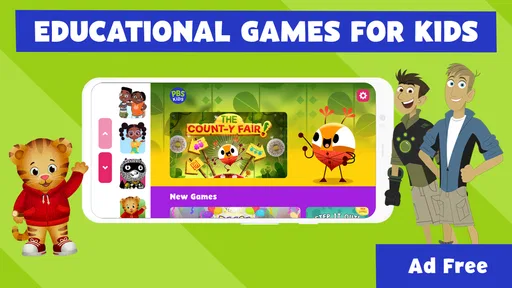
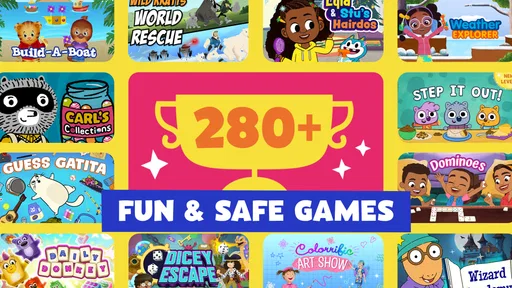
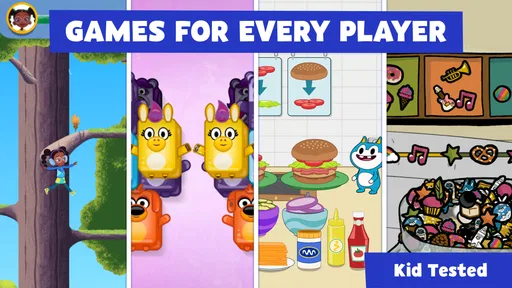
The PBS KIDS Games app is packed with over 100 games that feature beloved characters from PBS shows. You’ve got everything from Curious George and Daniel Tiger to Wild Kratts and Arthur. These games are designed to make learning a blast, covering a range of subjects like math, reading, and science.
The app is super easy to navigate, which is a blessing for those of us who aren’t tech wizards. The layout is bright and colorful, instantly grabbing the attention of young users. What I love is that it’s all very intuitive; even my toddler can find his way around without a hitch.
Features that Stand Out
One of the features that really stands out is the ability to play offline. Yep, you heard me right. Once you download the games, no internet is required. This is a lifesaver on long car rides or when you’re stuck somewhere with sketchy Wi-Fi. You can thank me later.
The app also includes a parent section where you can track your child’s progress. It’s a neat feature that gives you insights into what they’re learning and how they’re doing. Plus, it’s free of ads, which means no pesky interruptions. In a world full of apps trying to upsell you at every turn, this is a breath of fresh air.
Learning Through Play
What I appreciate about this app is how it seamlessly blends learning with play. For instance, a game might involve solving puzzles to help Super Why save Storybrook Village. Kids are learning problem-solving skills without even realizing it because they’re having so much fun.
There’s also a wide variety of games that cater to different interests and learning levels. Whether your child is a budding scientist or a math whiz, there’s something here for everyone. It’s like having a whole library of educational games right at your fingertips.
Final Thoughts
In a nutshell, the PBS KIDS Games app is a must-have for any parent looking to mix up screen time with some learning. It’s engaging, educational, and endlessly entertaining. Not to mention, it’s free! So, if you haven’t checked it out yet, what are you waiting for? Your kids will thank you, and you might just find a few minutes of peace to enjoy your coffee while it’s still hot.
Privacy and Permissions
See what permissions an app requests and how it handles your data.
- Photos/Media/Files
- read the contents of your USB storage, modify or delete the contents of your USB storage
- Storage
- read the contents of your USB storage, modify or delete the contents of your USB storage
- Wi-Fi connection information
- view Wi-Fi connections
- Other
- view network connections, full network access, prevent device from sleeping
Verdict
Strengths of PBS KIDS Games
- Wide variety of educational games
- User-friendly interface for kids
- No in-app purchases required
- Regular updates with new content
- Supports offline play
Limitations of PBS KIDS Games
- Limited advanced content for older kids
- Requires significant storage space
- Occasional performance lags
- Not all games are equally engaging
- Some features need internet access
Other Releases by PBS KIDS
View All
PBS KIDS Video
Education4.3

Daniel Tiger for Parents
Parenting3.7

Explore Daniel's Neighborhood
Educational3.4

Wild Kratts Rescue Run
Educational4.2
Similar Picks in This Category
View All
Little Panda Policeman
BabyBus4.0

Monster Trucks Game for Kids 2
Raz Games4.1

Little Panda's Chinese Recipes
BabyBus4.4

Little Panda's Restaurant
BabyBus4.4

Little Panda's Ice Cream Games
BabyBus4.3

Baby Panda Care
BabyBus3.8
Frequently Asked Questions
What age group is the PBS KIDS Games app suitable for?
The PBS KIDS Games app is designed primarily for children aged 2 to 8. It offers a wide range of educational games that are crafted to teach children various skills such as math, reading, and problem-solving, all through engaging and interactive content that aligns with PBS KIDS' educational standards.
Does the PBS KIDS Games app require an internet connection?
While the PBS KIDS Games app requires an internet connection to download and update games, many of the games can be played offline once downloaded. This feature allows kids to enjoy learning on the go, making it convenient for travel or areas with limited internet access.
Are there any in-app purchases or ads in the PBS KIDS Games app?
The PBS KIDS Games app is free to download and offers a safe, ad-free experience for children. There are no in-app purchases, ensuring that parents can feel confident that their children are playing in a secure and educational environment without any unexpected costs.
What educational content does the PBS KIDS Games app provide?
The PBS KIDS Games app offers a variety of educational content covering subjects like math, science, reading, and creativity. Each game is designed around a PBS KIDS show, allowing children to interact with their favorite characters while learning essential skills through fun and engaging activities.
How can parents monitor their child's progress on the PBS KIDS Games app?
Parents can easily monitor their child's progress through the app's built-in parental control features. These tools allow parents to see which games their child is playing and track educational milestones. Additionally, parents can set screen time limits and customize access to ensure a balanced playtime.
Play our best games!


